ErpLite · University · Student Portal
The Student Portal — everything a student needs, in one branded login
Students sign in at /student to their own branded portal — separate from the admin dashboard. It always opens on the current term and can look back at past terms, never forward. From one place a student follows their courses and live classes, reads the schedule, tracks grades and GPA, pays tuition installments, requests a withdrawal or deferral, and downloads certificates. Access is gated: only an active, paid student gets the full portal.
Signing in & the dashboard
How a student gets into their portal and what the home screen tells them at a glance.
Sign in to the portalتسجيل دخول الطالب
StudentStudent Portal › Sign in/student/login
1) Open the student sign-in page.
2) Enter the email or student number and the password from the portal invitation.
3) Press Sign in. Forgot the password? Use the reset link — no staff needed.
Signs the student into their own branded space, scoped to just their records. An unpaid student is allowed in but sees only My Fees until they pay; a deferred, withdrawn or excluded student is shown a clear status message instead of the portal.
The portal invitation is optional and off by default — staff send it from the student page or in bulk. Students can also be created without a login and invited later.
The dashboardلوحة الطالب
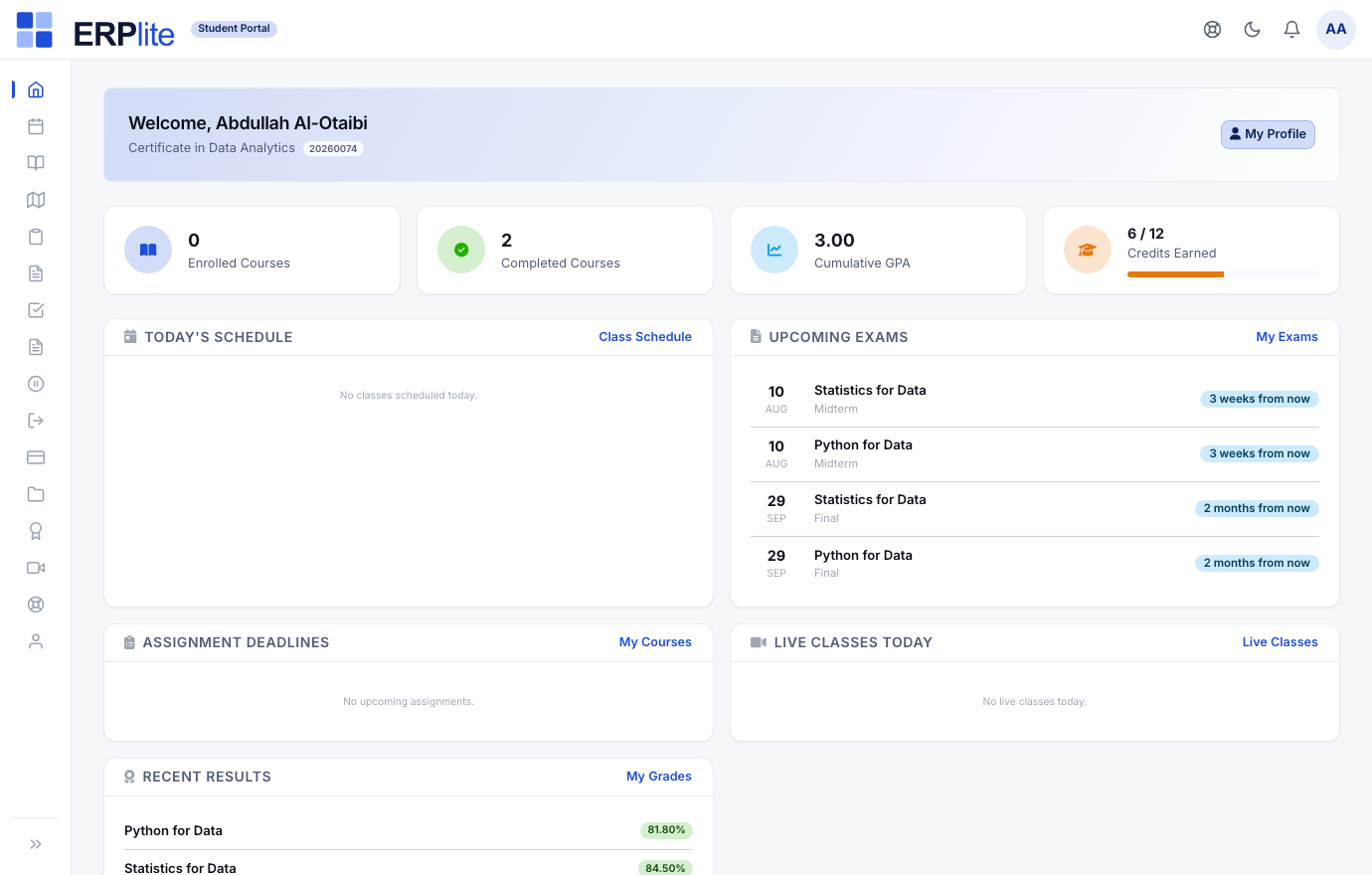
StudentStudent Portal › Home/student
A welcome header with their name, program and academic number, then four progress tiles — Enrolled Courses, Completed Courses, Cumulative GPA and Credits Earned. Below that: today’s schedule, upcoming exams, assignment deadlines, today’s live classes and recent results — each linking straight to the full page.
Builds every tile live from the current term — GPA and credits from the transcript, exams and classes from the schedule — so the dashboard is always current with no refresh needed.
Courses, learning & schedule
Where the student does the actual studying — their enrolled courses, the LMS content, live classes, and the weekly timetable.
My Coursesمقرراتي
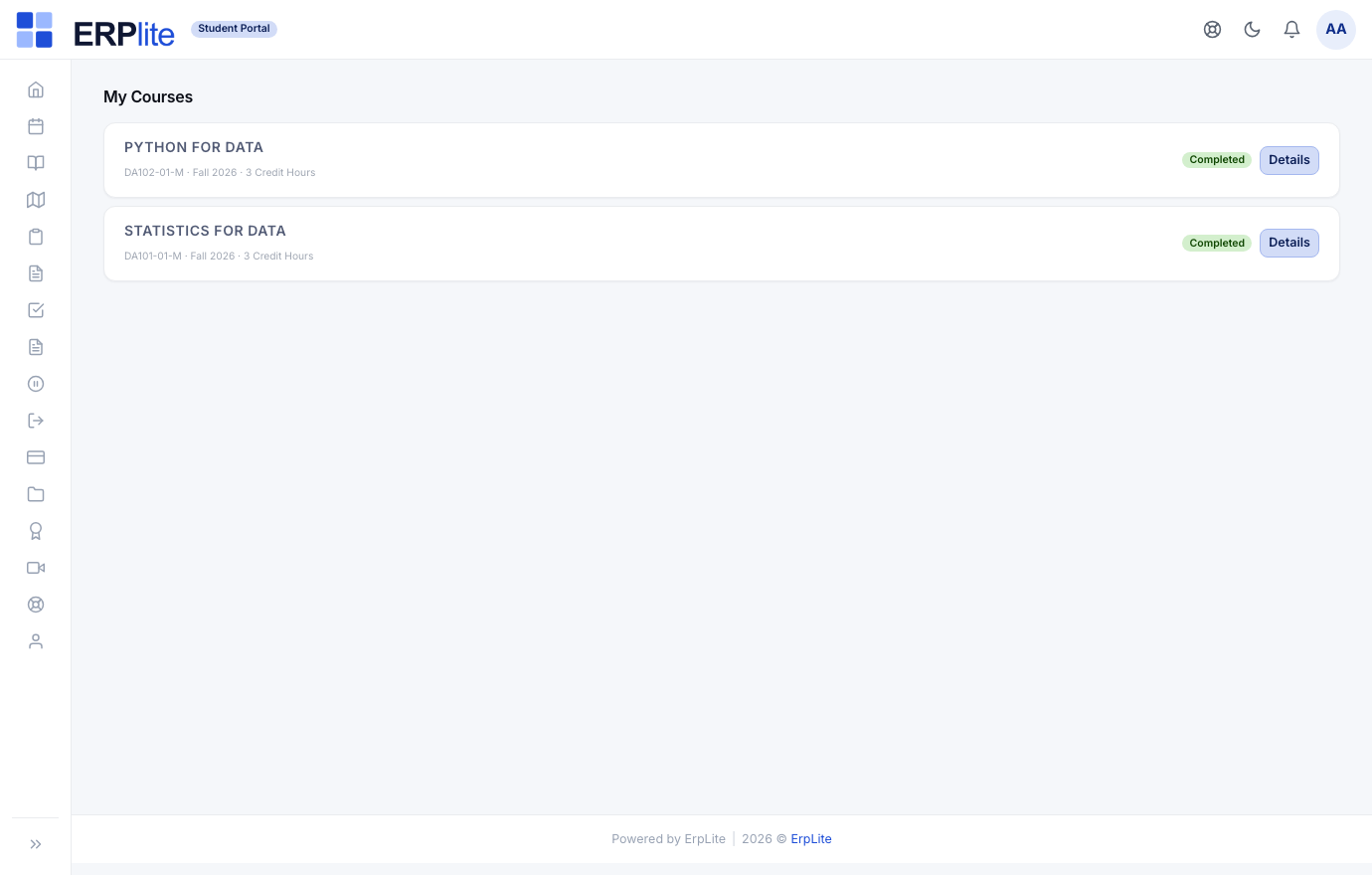
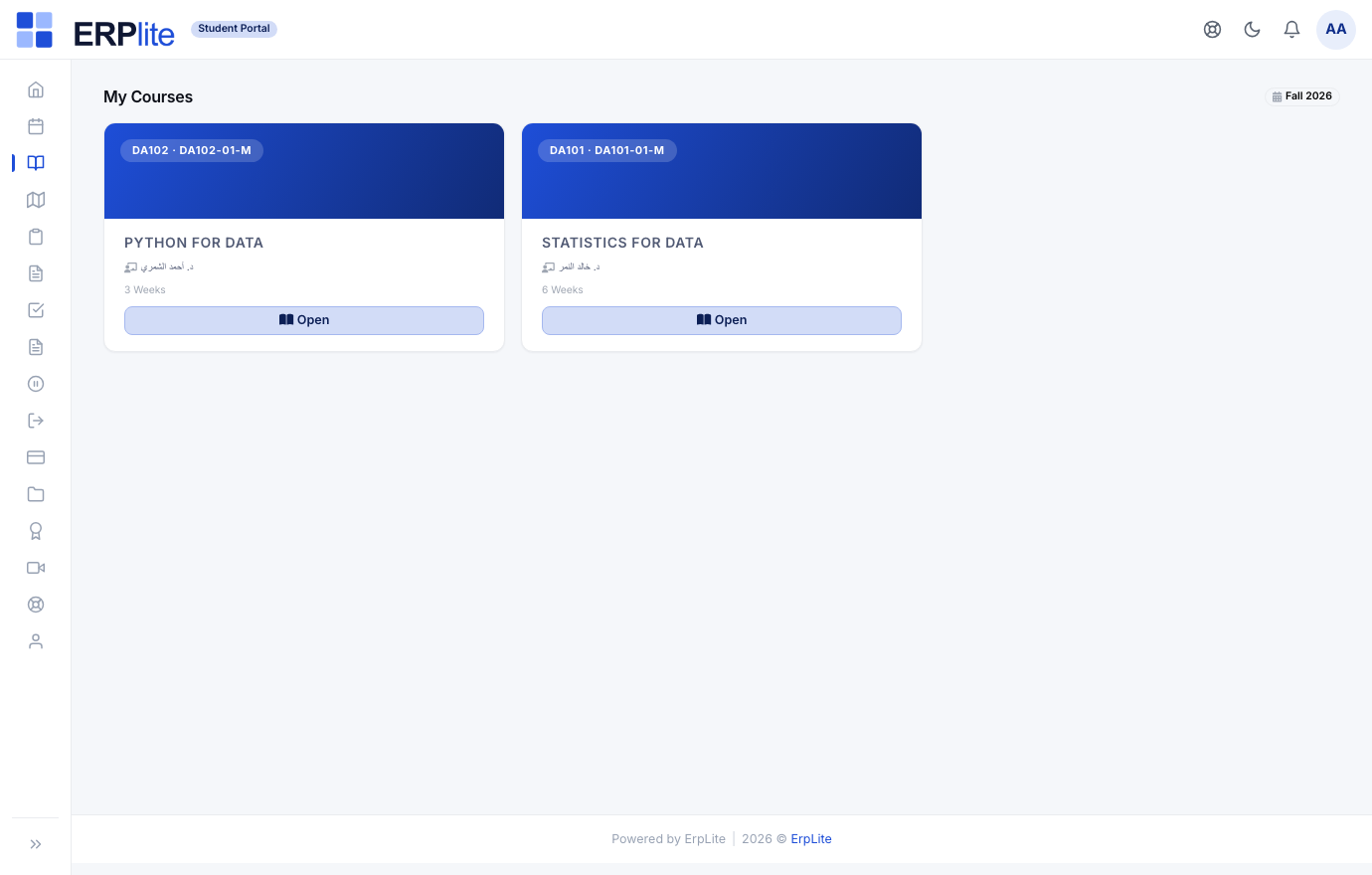
StudentStudent Portal › My Courses/student/courses
Sees every course they are enrolled in this term — code, section, credit hours and term — with a status (registered / completed) and a Details button that opens the course space.
Lists only the current term’s enrolments (a switcher reaches past terms). If section self-selection is enabled, the student can add or drop open sections here — prerequisites and seat limits are enforced automatically.
My Learning & live classesتعلّمي · الفصول المباشرة
StudentStudent Portal › My Learning · Live Classes/student/learning
Opens the LMS space for each course — lessons (text, video, files), announcements, assignments and quizzes — and joins live classes with one Join button when the instructor starts one.
Auto-grades multiple-choice quizzes and records the submission. Clicking Join on a live class pre-marks the student present (joined) on that session’s attendance, and recordings appear here afterwards.
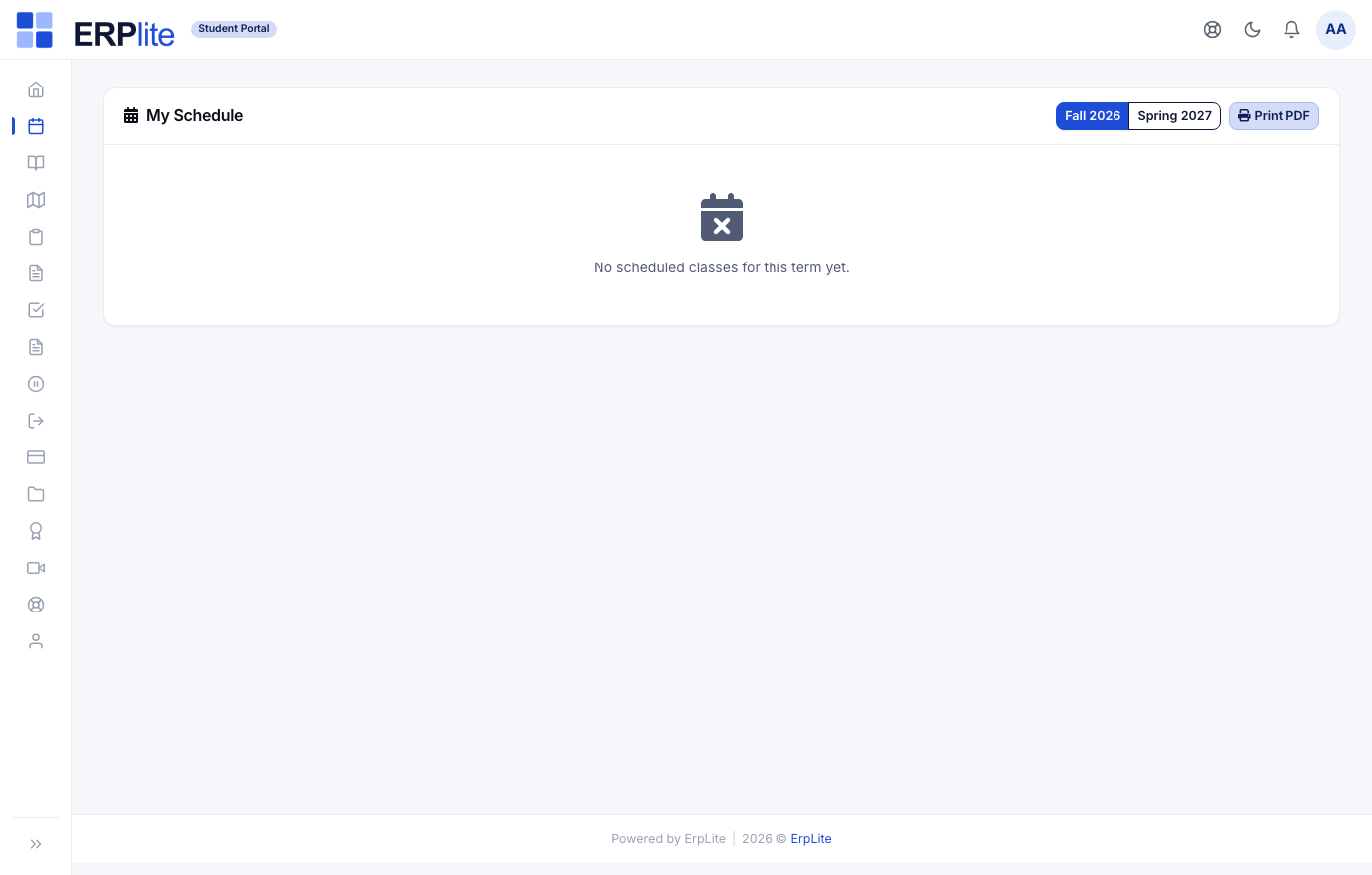
My Scheduleالجدول الدراسي
StudentStudent Portal › Schedule/student/schedule
Reads the weekly timetable — each section’s meeting days and times — and prints a clean PDF for the term.
Builds the timetable from the section schedules staff set up, and reflects instructor substitutions on the exact dates they apply.
Grades, fees, requests & certificates
The self-service side — results and GPA, paying tuition online, asking to withdraw or defer, and downloading the final certificate.
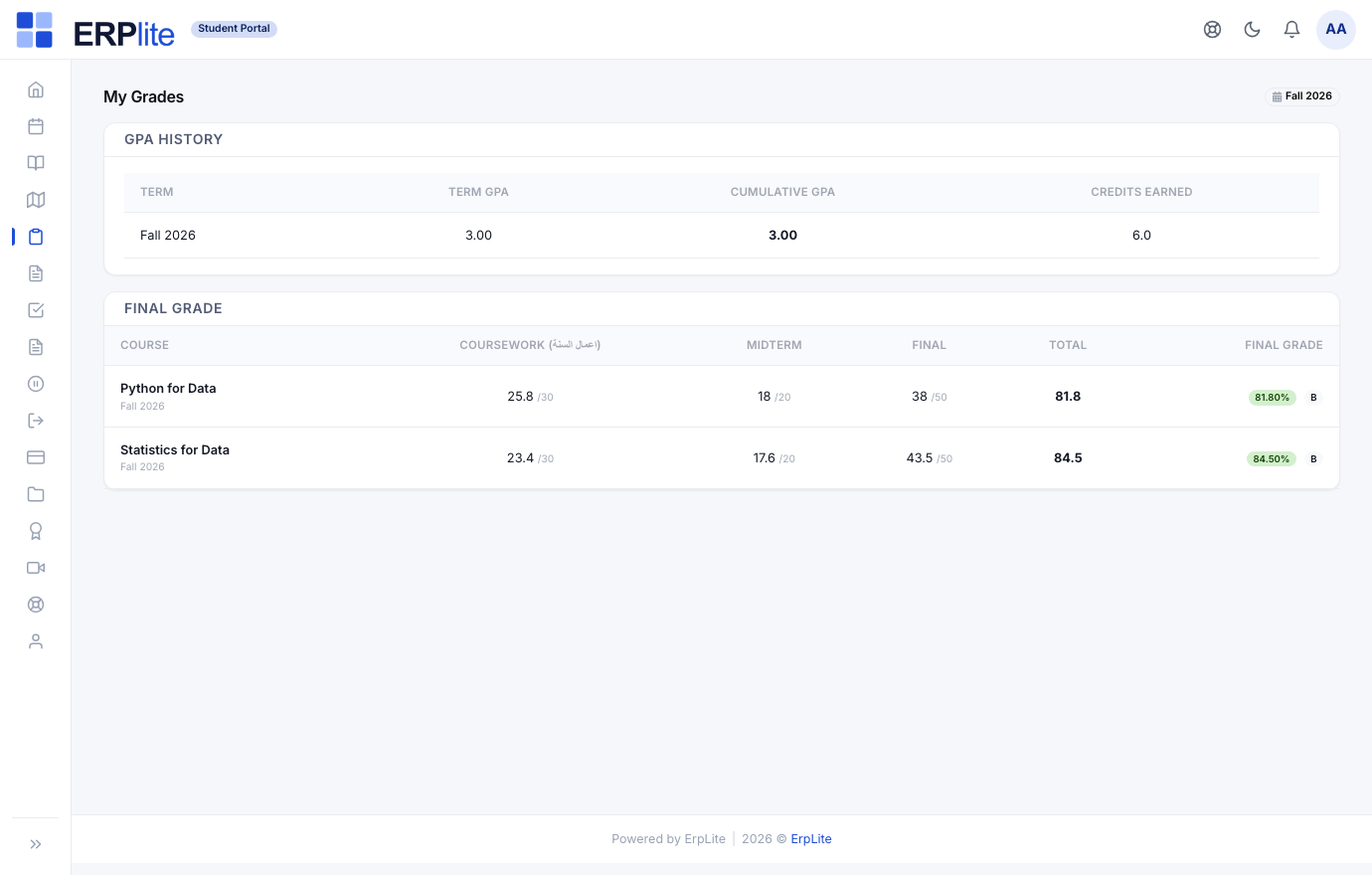
My Grades & GPAدرجاتي
StudentStudent Portal › My Grades/student/grades
Their official transcript — completed courses, credits, letter grades, term GPA and cumulative GPA, and progress against the study plan — the same record staff see. Transfer credits count toward the degree but not the GPA.
Publishes each result the moment the instructor finalizes a section, converting weighted scores to letter grades on the grade scale — no re-entry, no waiting on staff.
My Fees — pay onlineرسومي · ادفع الآن
StudentStudent Portal › My Fees/student/fees
Sees the full installment schedule — due date, amount and status per installment — with a Pay now button on every unpaid slice, and the outstanding balance up top. The checkout shows the net + tax breakdown; exempt nationalities simply see no tax.
When the gateway confirms, it raises and posts that installment’s invoice, marks it paid, and — for a previously unpaid student — instantly restores full portal access. Nothing sits as an open receivable for a future term.
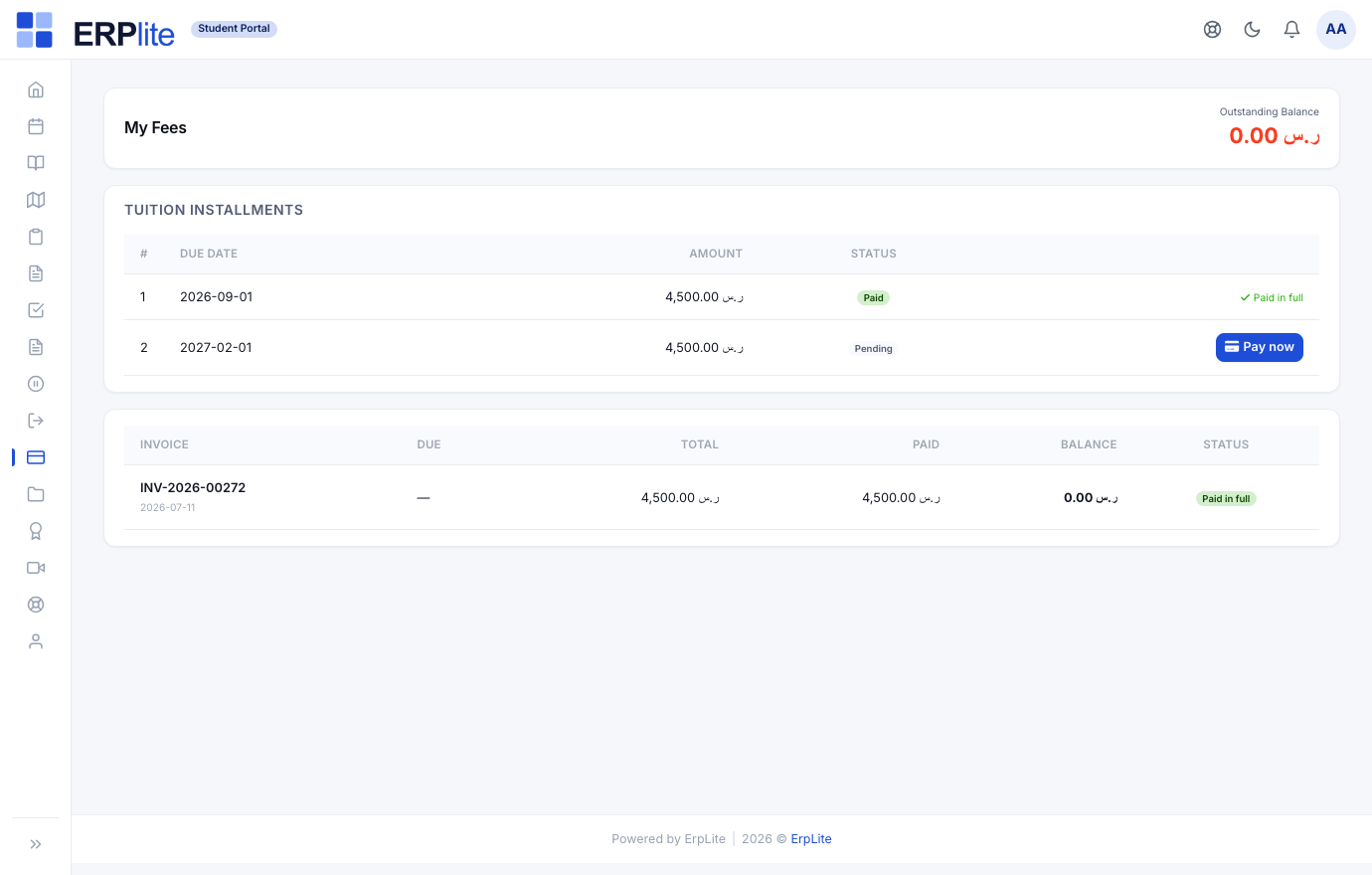
An unpaid student is blocked from every page except My Fees — paying here is what unlocks the rest of the portal.
Requests — withdrawal & deferralطلب انسحاب · طلب تأجيل
StudentStudent Portal › Withdrawal · Deferral/student/deferral
Requests a withdrawal — seeing the refund amount up front before submitting — or a deferral, giving a reason, a resume date and a supporting document. Both accept attachments.
Routes the request to staff for approval. On an approved withdrawal it posts the refund (per the tiered refund policy) and frees the seats; on an approved deferral the portal shows a deferred-until message and the student auto-returns to active on the resume date.
Certificatesالشهادات
StudentStudent Portal › Certificates/student/certificates
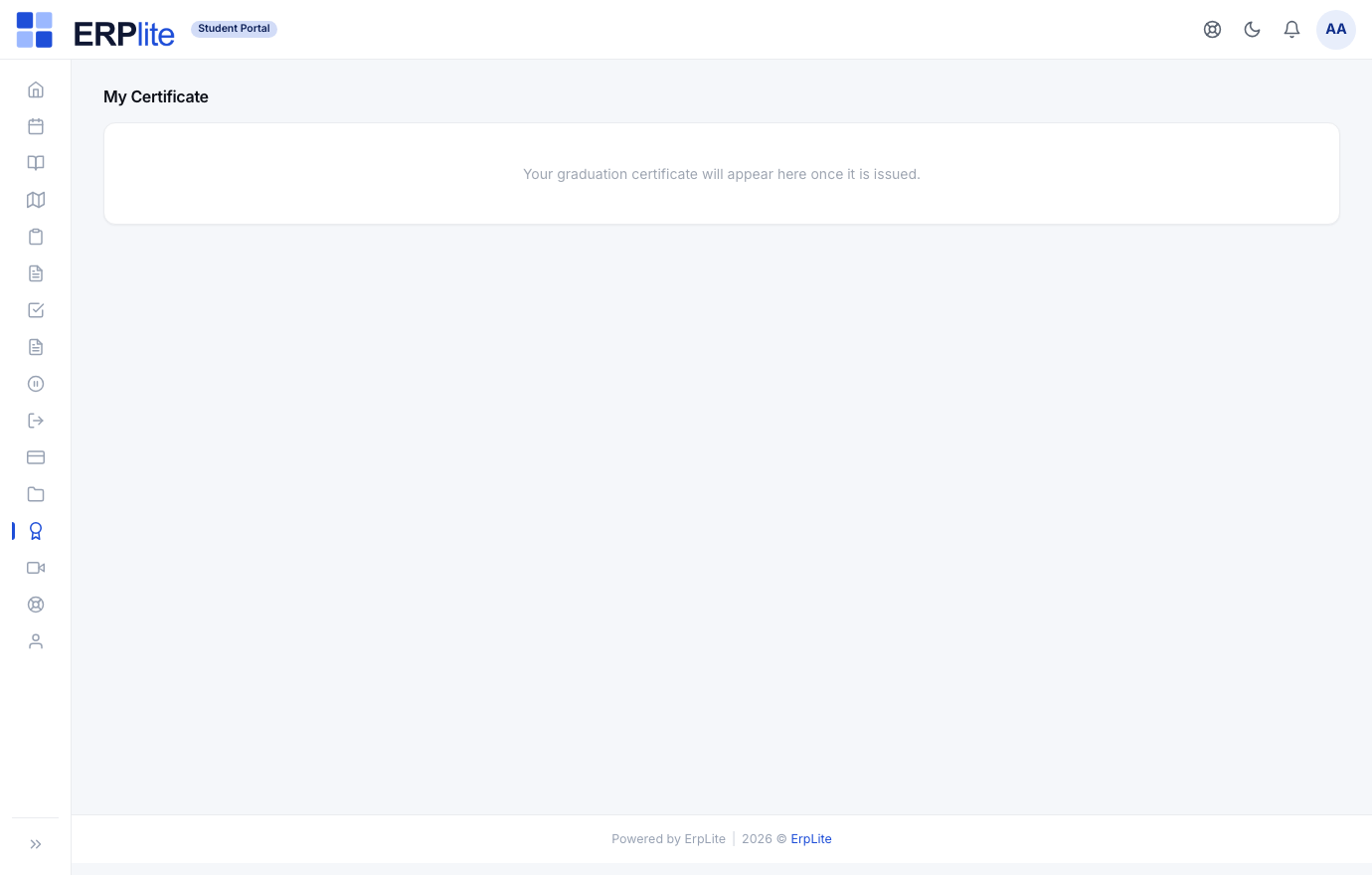
Once staff issue and publish the graduation certificate, the student downloads the official PDF here. The QR on it lets anyone verify it is genuine on a public page.
Graduation is staff-issued, not applied for: when the certificate is approved and published the student is marked graduated and the download appears here automatically. There is no “apply for graduation” step.